Local-first desktop utility
Search every vault.
Merge none.
Find a login across separate KeePass databases in seconds. Vault Cross Search builds a temporary metadata index on your device—then opens the owning vault.
● No cloud account ● No secret values indexed ● Auto-locks
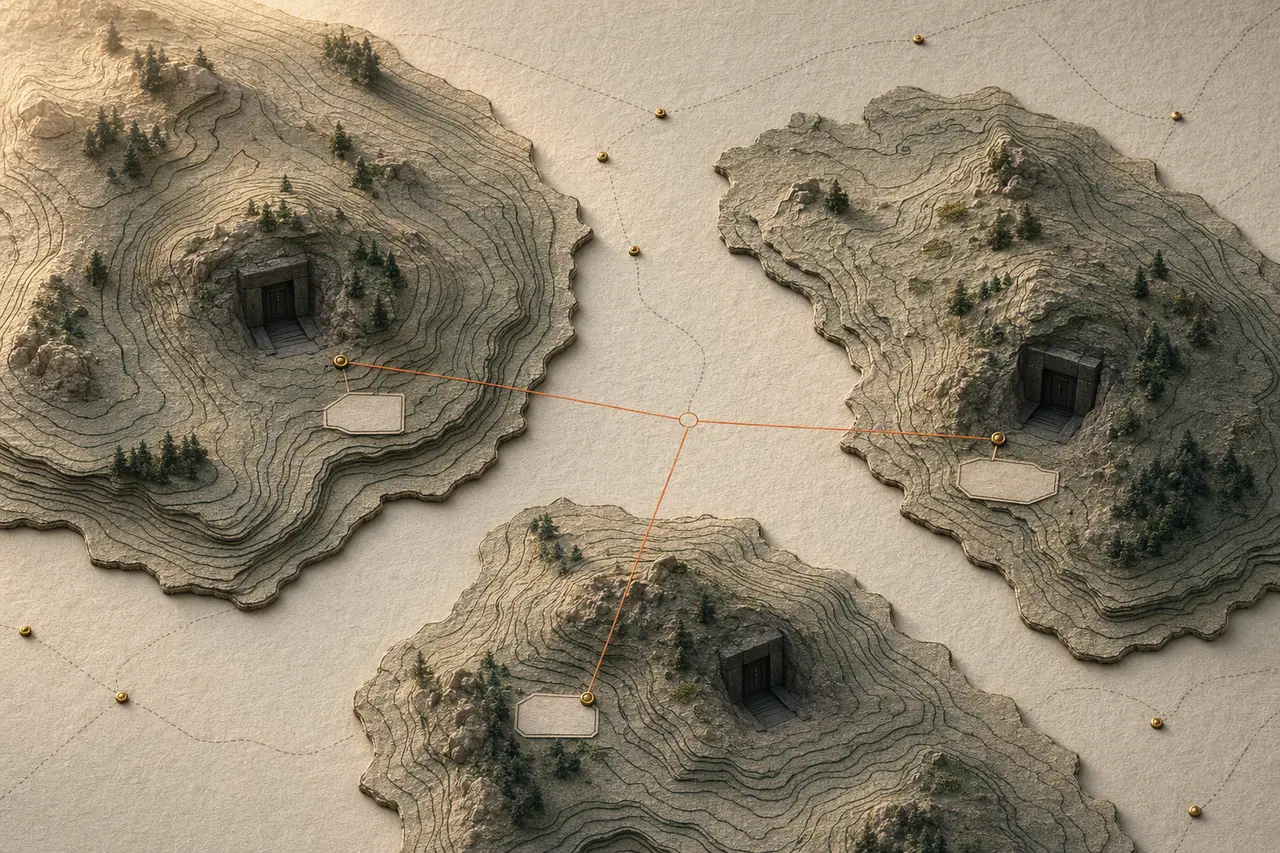
A short route
Recall without consolidation
- 01
Choose local vaults
Add .kdbx files explicitly. Each stays where you put it.
- 02
Unlock for this session
Your master password goes straight to the local Rust core and is cleared after use.
- 03
Search safe metadata
Passwords, notes, attachments, and custom protected fields never reach the index.
- 04
Open the owning vault
The result opens the original database in your associated password app.
Designed around the threat model
An index that knows when to disappear.
The index exists only in process memory. Lock one vault, lock all vaults, quit the app, or let the timer run out: searchable metadata is zeroed and removed.
- No analytics or telemetry
- No clipboard writes
- No password storage or autofill
- No background sync
Simple trust model
Useful free. Unlimited once.
Field edition
FreeSearch up to two vaults, with every privacy and accessibility feature included.
Download freeOne-time purchase
Expedition edition
$19 onceUnlimited vaults and funding for independent security review. No subscription, account, or tracking.
Buy a licenseSociobot/Dodo is merchant of record. Refunds are handled there.Prefer the terminal?
One-line install
v0.1 builds are unsigned. macOS may require right-click → Open; Windows may show SmartScreen. Checksums are published with every release.